Windows Server Hybrid - Administering a Hybrid Infrastructure
Lär dig administrera Windows Server i lokala, hybrida och molnbaserade miljöer. Kursen behandlar hur du driftsätter, hanterar, säkrar, övervakar och felsöker Windows Server och omfattar bland annat Active Directory Domain Services, virtualisering med Hyper-V och Azure virtual machines, nätverk samt lagrings- och filtjänster.
 Nästa start: 9 nov. (Live Online)
Om utbildningen
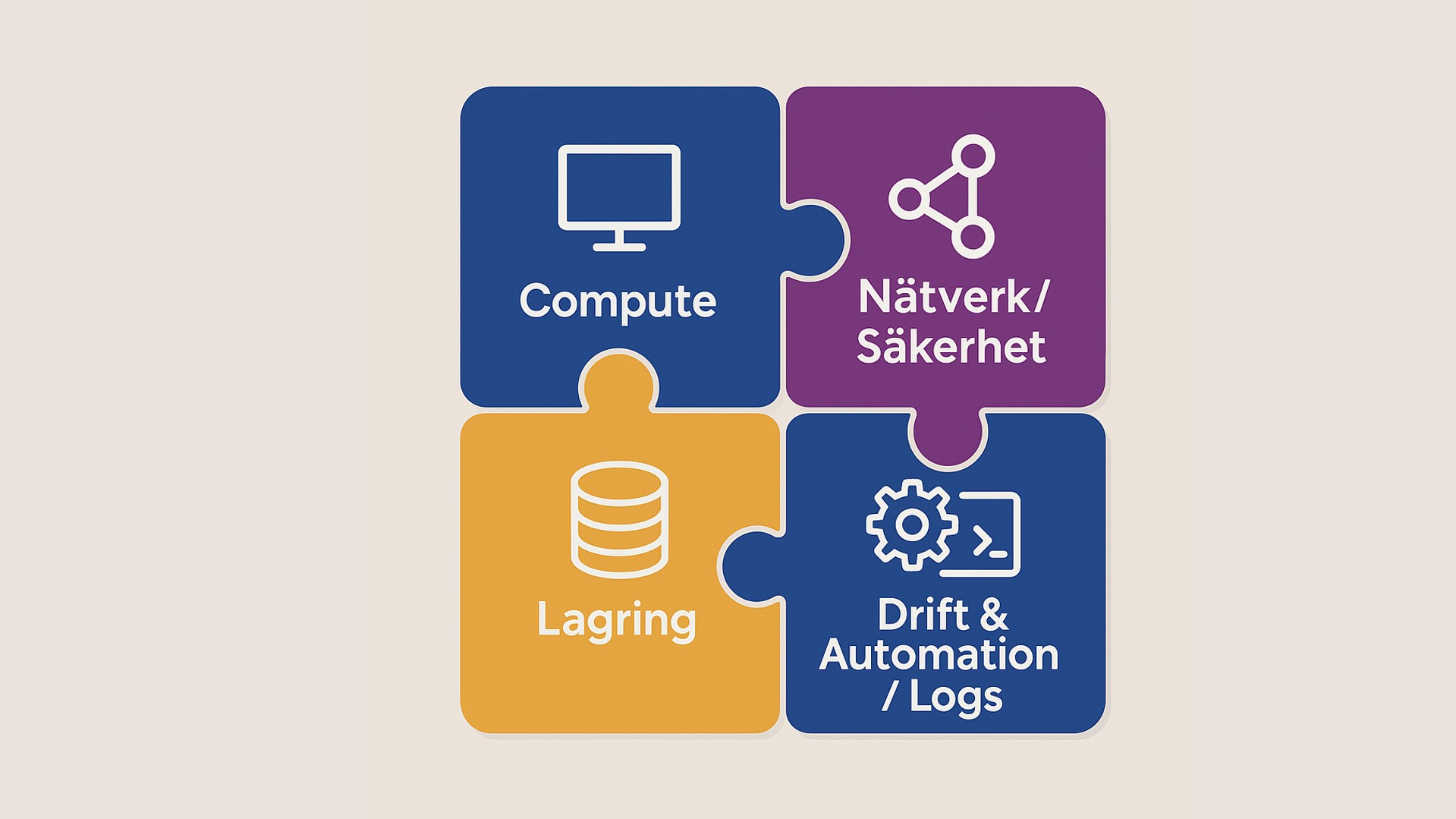
Under kursen arbetar du med centrala områden inom Windows Server-administration, från AD DS och Group Policy till DNS, DHCP, Hyper-V och Windows Server IaaS virtual machines. Du lär dig även att hantera hybridmiljöer med Azure Arc samt fil- och lagringstjänster som Azure File Sync, Storage Spaces Direct, Data Deduplication och iSCSI. Kursen tar dessutom upp säkerhetshärdning, övervakning och felsökning av Windows Server-miljöer. I administrationen används verktyg och tjänster som Windows Admin Center, PowerShell, Azure Monitor, Azure Update Manager och Microsoft Defender for Cloud.
Windows Server 2025 på Cornerstone
Gå på djupet med tekniker som Active Directory, säkerhet, prestanda och hybridmolnstöd samt datacenter-teknologier som Hyper-V, Failover clustering, Load Balancing och Storage Spaces.
Målgrupp och förkunskaper
Den här kursen riktar sig till Windows Server-administratörer som arbetar med att driftsätta, implementera, hantera och felsöka Windows Server i lokala, molnbaserade eller hybrida miljöer
För att tillgodogöra dig kursens innehåll samt följa med i dess tempo bör du ha erfarenhet av att administrera Windows Server samt grundläggande kunskaper inom virtualisering, lagring och nätverk, inklusive IP-adressering, namnuppslagning och DHCP. Du bör även ha grundläggande förståelse för Azure hybrid technologies och erfarenhet av verktyg som Windows Admin Center och Windows PowerShell.
För att alltid hålla en hög kvalitet på våra teknikkurser använder vi både engelsk- och svensktalande experter som kursledare.
Detaljerad information
Kursmaterialet är på engelska, med detta innehåll:
Deploy and manage Active Directory Domain Services
Deploy and manage Active Directory Domain Services domain controllers
Explore AD DS logical and physical components, forests, domains, trusts, domain controllers, sites, subnets, and replication. Learn how to deploy and upgrade domain controllers and manage Flexible Single Master Operations (FSMO) roles.
Create and manage Active Directory objects
Learn how to create and administer users, groups, computers, organizational units, managed service accounts, and group managed service accounts (gMSAs). Explore administrative tools, bulk management, delegation, and recovery of deleted Active Directory objects.
Create and configure Group Policy Objects in Active Directory
Explore Group Policy structure, scope, inheritance, processing, and domain-based GPOs. Learn how to configure password policies, fine-grained password policies, and other centralized settings for users and computers.
Implement Group Policy Objects
Learn how to implement and manage GPOs, including linking, inheritance, security filtering, WMI filtering, loopback processing, Administrative Templates, and Group Policy Preferences. Explore GPO storage and replication and use Resultant Set of Policy (RSoP) tools to troubleshoot policy application.
Manage advanced features of AD DS
Explore advanced AD DS administration, including trusts, replication, sites and services, authentication, and other features used to manage complex Active Directory environments.
Manage Windows Servers and workloads in a hybrid environment
Administer and manage Windows Server IaaS virtual machines remotely
Explore tools for remotely administering Windows Server IaaS VMs, including the Azure portal, Windows Admin Center, Azure PowerShell, Azure CLI, Azure Cloud Shell, and Run Command. Learn how Azure Bastion and Just-In-Time VM access can be used to secure administrative connections.
Describe Windows Server administration tools
Explore Windows Server management options and select appropriate tools for local and remote administration. Work with technologies such as Windows Admin Center, Server Manager, PowerShell, and remote management capabilities.
Manage hybrid workloads with Azure Arc
Learn how Azure Arc extends Azure management capabilities to Windows Servers outside Azure. Explore onboarding and managing servers and using Azure services to administer hybrid Windows Server workloads.
Manage virtual machines and containers
Configure and manage Hyper-V virtual machines
Learn how to configure Hyper-V virtual machines, including VM generations and configuration versions, virtual hard disk formats and types, VM settings, and storage. Explore shared VHDs, VHD Sets, Fibre Channel, SMB 3.0 storage, and host and guest clustering.
Configure and manage Hyper-V
Explore Hyper-V architecture, system requirements, installation, host management, virtual networking, and nested virtualization. Learn how to manage Hyper-V with Hyper-V Manager, Windows Admin Center, and PowerShell and configure virtual switches and host resources.
Plan and deploy Windows Server IaaS virtual machines
Learn how to plan and deploy Windows Server virtual machines in Azure, including compute, storage, networking, and availability considerations. Explore Windows Server images and capabilities available for Azure-hosted workloads, including Windows Server Datacenter: Azure Edition.
Manage network infrastructure services
Implement Windows Server DNS
Explore DNS architecture, namespaces, servers, zones, resource records, resolvers, and forwarding. Learn how to create and manage DNS zones and records, configure conditional forwarding, and work with DNS for Windows Server workloads in Azure, including public and private Azure DNS zones.
Deploy and manage DHCP
Learn how to deploy, configure, and administer DHCP for Windows Server environments. Explore scopes, leases, reservations, options, high availability, and integration with DNS.
Manage storage and file services
Implement hybrid file server infrastructure
Explore Azure Files and Azure File Sync for hybrid file services. Learn how to configure file shares, connectivity, synchronization, cloud tiering, snapshots, server and cloud endpoints, and migration from DFS Replication to Azure File Sync.
Manage Windows Server file servers
Learn how to configure and manage Windows Server file services, file systems, shares, permissions, SMB, File Server Resource Manager (FSRM), and Volume Shadow Copy Service.
Implement Storage Spaces and Storage Spaces Direct
Explore storage pools, virtual disks, resiliency options, and Storage Spaces. Learn how Storage Spaces Direct uses local storage across clustered servers to provide software-defined storage.
Implement Windows Server Data Deduplication
Learn how Data Deduplication reduces storage requirements by identifying and storing duplicate data efficiently. Explore configuration, optimization, scheduling, monitoring, and management considerations.
Implement Windows Server iSCSI
Explore block storage with iSCSI and learn how to configure and manage iSCSI targets, virtual disks, initiators, and connections in Windows Server environments.
Secure Windows Server
Harden Windows Server
Learn how to harden Windows Server using Windows LAPS, Privileged Access Workstations (PAWs), secure bastion hosts, domain controller security practices, and the Microsoft Security Compliance Toolkit. Explore SMB 3.1.1 security, preauthentication integrity, and SMB encryption.
Secure Windows Server user accounts
Explore user rights and the principle of least privilege, Protected Users, authentication policies and silos, and Credential Guard. Learn how to protect privileged credentials and restrict legacy authentication such as NTLM.
Monitor and troubleshoot Windows Server environments
Monitor Windows Server performance
Learn how to monitor and analyze server performance with Performance Monitor, Resource Monitor, Reliability Monitor, and data collector sets. Explore performance counters, baselines, trend analysis, capacity planning, bottlenecks, and monitoring of key Windows Server services.
Manage and monitor Windows Server event logs
Learn how to use Windows event logs for monitoring and troubleshooting. Explore Event Viewer, event filtering and subscriptions, centralized event collection, and tools for analyzing events across Windows Server environments.
Troubleshoot on-premises and hybrid networking
Explore a structured approach to diagnosing Windows Server networking problems across on-premises and hybrid environments. Use Windows networking and diagnostic tools to investigate connectivity, name resolution, routing, and related network issues.
Troubleshoot Active Directory
Learn how to diagnose and recover AD DS environments, including Active Directory database and object recovery, SYSVOL, replication, and FSMO roles. Explore hybrid identity troubleshooting and Microsoft Entra Connect integration.
Relaterade kurser
Azure Innovators Workshop - Building Integration & Storage Services

Microsoft Azure - Designing Infrastructure Solutions
Microsoft Entra ID - Identity and Access Administrator
Microsoft Azure - Infrastructure Fundamentals, Introduction to Cloud Infrastructure
Azure Monitor - Deploy and Configure
Mer än en kurs
Tre månader som förändrar hur er ledning fattar beslut om AI. Sju sessioner, tolv veckor. Byggt för dem som bär det övergripande ansvaret, inte för dem som ska lära sig verktygen.
Vilken kompetens behöver ni om två år — och har ni den idag? Vi hjälper er planera för framtidens kompetensbehov innan luckorna blir ett problem.
Vet ni vilka kompetensgap som finns i er organisation idag? Vi hjälper er kartlägga nuläget och identifiera vad ni behöver bygga för att möta morgondagens krav.
Ladda kortet med utbildningsdagar i förväg och säkra budgeten innan behovet uppstår. Ni får rabatterade priser, flexibel användning och enklare administration — för hela teamet.
Relaterat innehåll